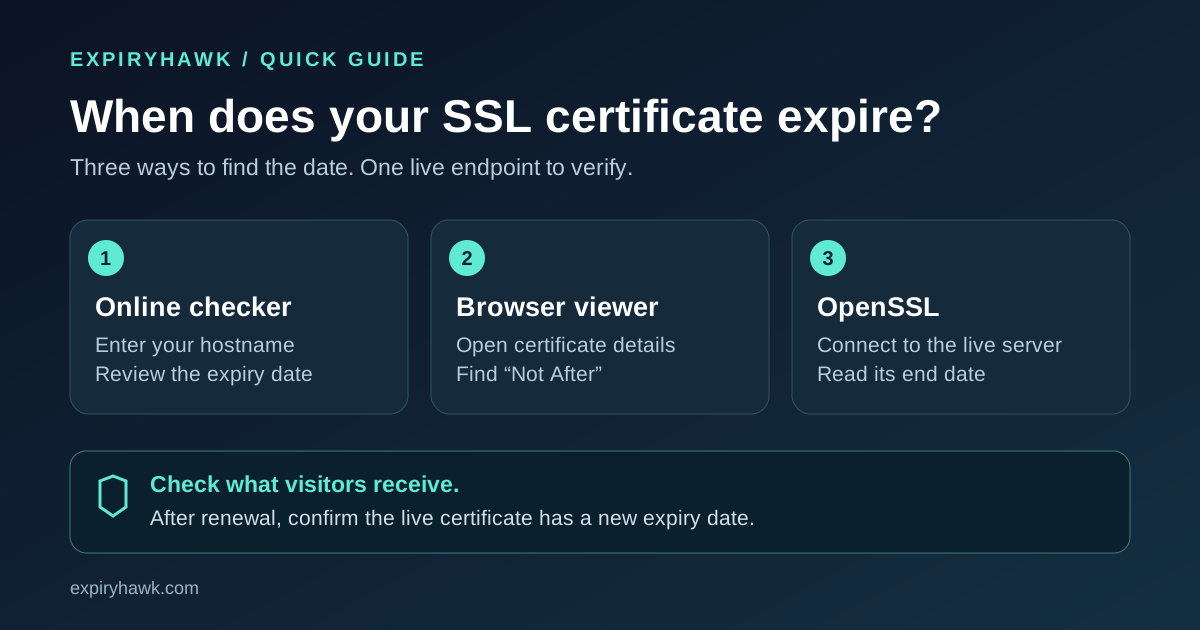
To check your SSL certificate expiry date, enter your hostname into an online SSL checker or open your browser's certificate viewer and find Expires On, Not After, or Valid Until. Check the live website so you see the certificate visitors receive.
Here are three ways to find that date, starting with the simplest.
1. Use an Online SSL Certificate Checker#
Open the ExpiryHawk SSL Checker, enter the hostname you want to check, and review the certificate's expiration information.
Use the exact hostname: example.com, www.example.com, and api.example.com may serve different certificates. Check each public endpoint that matters to your business.
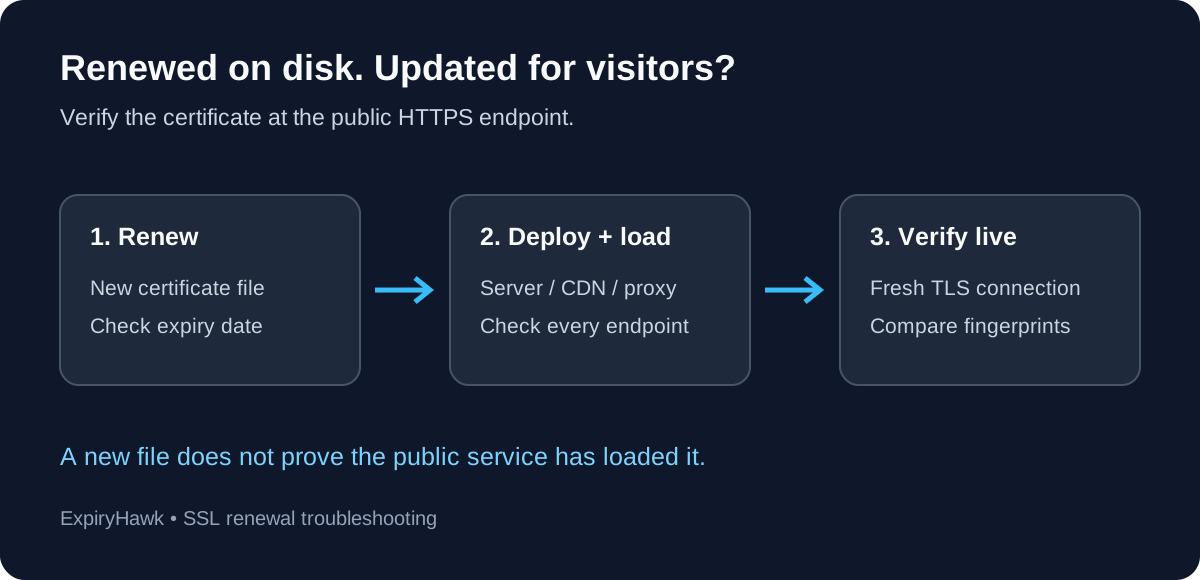
An external check is especially useful after renewal. A new certificate on disk does not guarantee that your web server, CDN, or load balancer is serving it yet.
2. Find the Expiry Date in Your Browser#
For a quick manual check, open your website over HTTPS and inspect its certificate.
In desktop Chrome or Edge, click the site information icon beside the address bar, open the connection/security details, and select the certificate entry. Look for the validity period. Menu labels can vary between versions.
In desktop Firefox:
- 1Click the padlock beside the address.
- 2Select Connection secure, then More Information.
- 3Click View Certificate and find the Not After date.
Mozilla's certificate guide explains the Firefox certificate viewer.
Check that you are viewing the certificate for your hostname, rather than an intermediate certificate in the chain. If you use a corporate network that inspects HTTPS, compare with an external checker: your browser may receive a certificate issued by the company's inspection system.
3. Check the Live Certificate with OpenSSL#
On Linux, macOS, or another system with OpenSSL installed, run:
openssl s_client -connect example.com:443 -servername example.com </dev/null 2>/dev/null \
  | openssl x509 -noout -enddate
Replace both instances of example.com with your hostname. Example output:
notAfter=Dec 15 12:00:00 2026 GMTThis certificate expires on December 15, 2026, at 12:00 GMT (UTC). The -servername option sends the hostname through SNI, helping a shared server select the appropriate certificate.
The command reads the expiry date; it is not a complete certificate validation test. If it returns no certificate or a parsing error, rerun without 2>/dev/null to inspect connection errors.
The options are documented in OpenSSL's s_client and x509 manuals.
What Should You Do with the Expiry Date?#
If expiry is approaching, confirm that renewal is scheduled and working. Leave enough time to resolve domain-validation or deployment problems. After renewing, repeat the live check and confirm that the expiration date has changed.
A future expiry date alone does not prove the connection is healthy: hostname mismatches, missing intermediates, and trust problems can still cause errors.
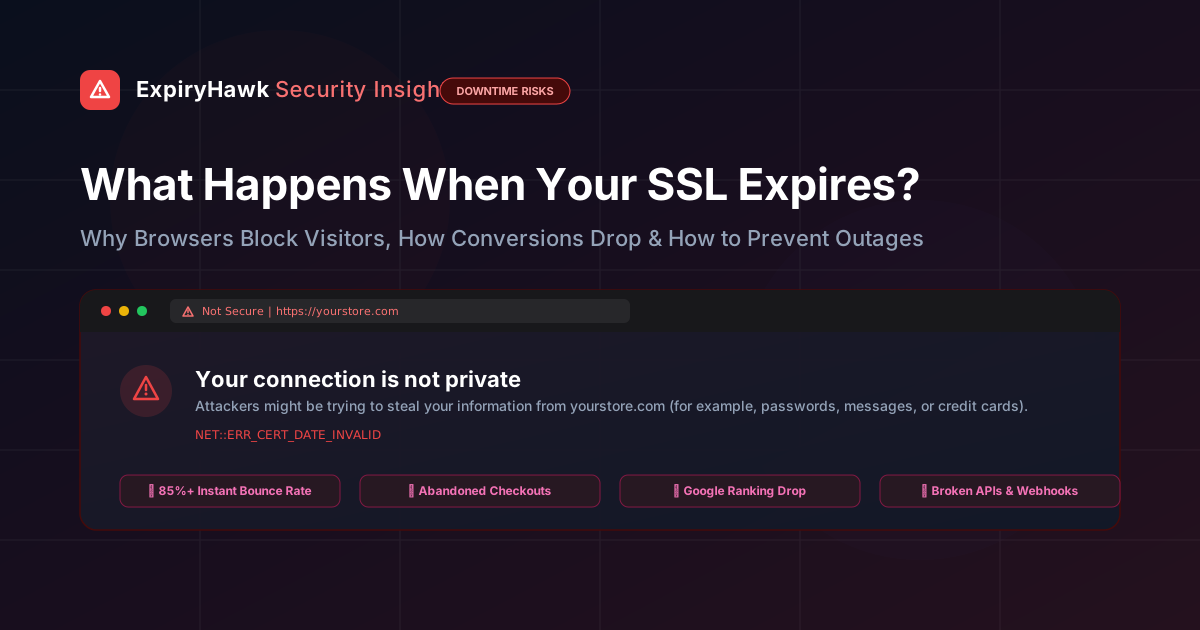
For the consequences of a missed renewal, read What Happens When Your SSL Certificate Expires?.
Check Once, Then Keep Watching#
A manual check answers today's question. Ongoing monitoring helps you catch the next approaching deadline without remembering to inspect every hostname yourself.
Monitor your certificates with ExpiryHawk and make expiry checks part of your regular website maintenance.