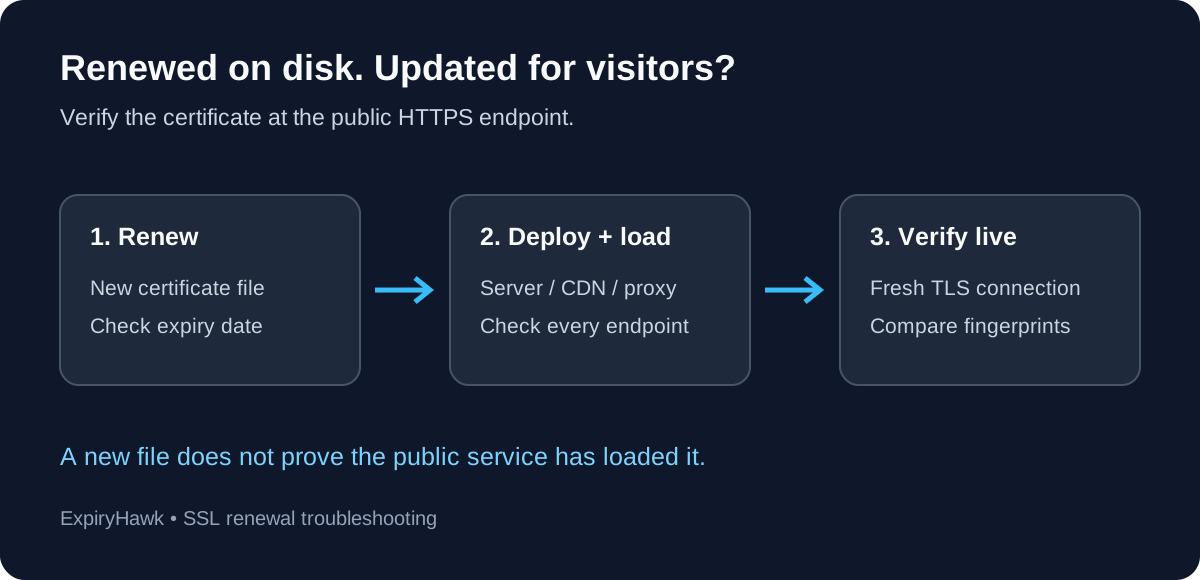
If you renewed your SSL certificate but your website still shows it as expired, the new certificate may not be deployed where HTTPS connections actually end. A web server, CDN, or load balancer could still be serving the old certificate. Compare the live certificate with the renewed file before requesting another renewal.
1. Compare the Live Certificate with the File#
Inspect the certificate presented for your exact hostname:
openssl s_client -connect example.com:443 -servername example.com </dev/null \
  | openssl x509 -noout -dates -serial -fingerprint -sha256
Then inspect the renewed certificate on disk:
openssl x509 -in /path/to/renewed-cert.pem \
  -noout -dates -serial -fingerprint -sha256
Replace the example hostname and path. Compare the SHA-256 fingerprints and notAfter dates. Different fingerprints mean these are different certificates; an expired live certificate alongside a current local file points toward a deployment problem.
These commands inspect certificate details, rather than performing complete trust validation. OpenSSL documents the options in its s_client and x509 manuals. If the connection fails, inspect its error output before drawing conclusions.
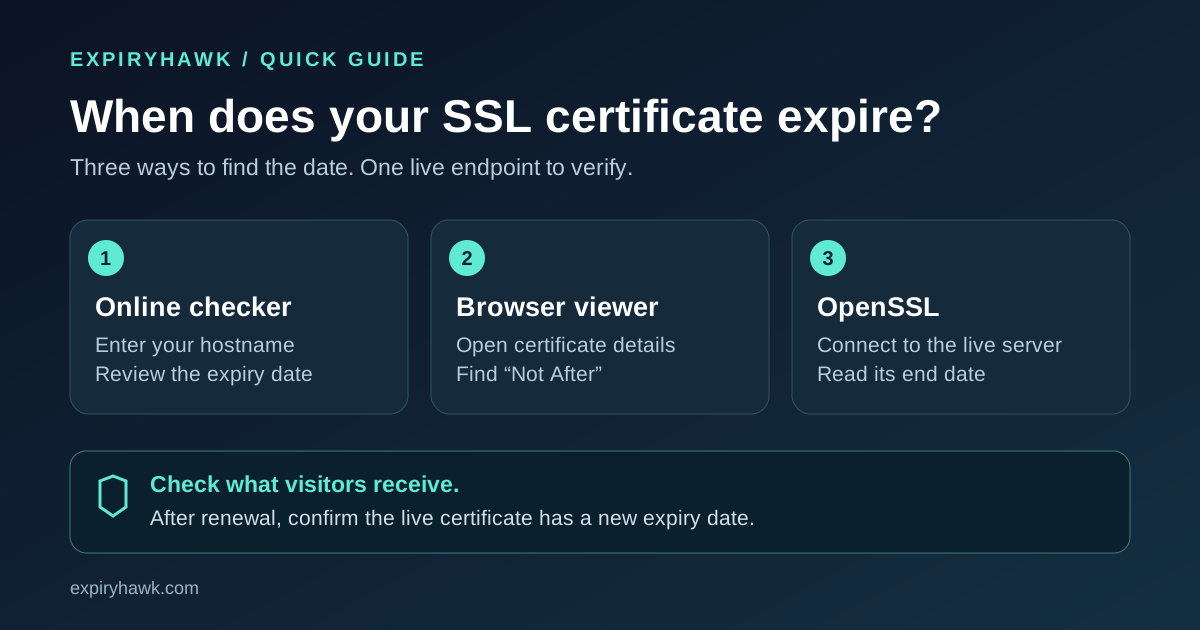
For browser-based alternatives, see How to Check Your SSL Certificate Expiry Date.
2. Check the Configured Path and Reload#
Confirm that the active virtual host references the renewed certificate and matching private key. A certificate copied into an unused directory will not change what visitors receive.
On an NGINX installation using its default configuration location, test the configuration before reloading:
sudo nginx -t && sudo nginx -s reloadIf your service uses a custom configuration, test and reload that same instance. Check the service logs if either command fails. NGINX’s command reference explains configuration testing and graceful reloads.
3. Follow the HTTPS Connection to Its Endpoint#
When a CDN or reverse proxy terminates HTTPS, updating the origin server alone may leave the public certificate unchanged. Check the certificate attached to the public hostname at that proxy or load balancer.
For multiple servers, confirm that every node received the update. Check both IPv4 and IPv6 destinations, plus the bare domain and www hostname. Different routes can reach different configurations.
To inspect a known server directly while preserving the hostname through SNI:
openssl s_client -connect 192.0.2.10:443 -servername example.com </dev/null \
  | openssl x509 -noout -enddate -serial
Replace the documentation IP with your server’s address. Repeat for each relevant endpoint; one successful response does not verify the entire deployment.
4. Verify the Renewal Workflow#
With Certbot, a successful renewal and successful deployment are separate things to verify. Its renewal documentation describes deploy hooks that run after successful renewal. Check whether your installation already handles reloading before adding another hook.
If the public certificate is current but only one device reports expiry, check that device’s clock and inspect the certificate it actually receives. An intermediary certificate or HTTPS inspection system may explain the difference.
After fixing deployment, run a fresh external check with the ExpiryHawk SSL Checker. Treat renewal as complete when the live endpoint presents the intended certificate.