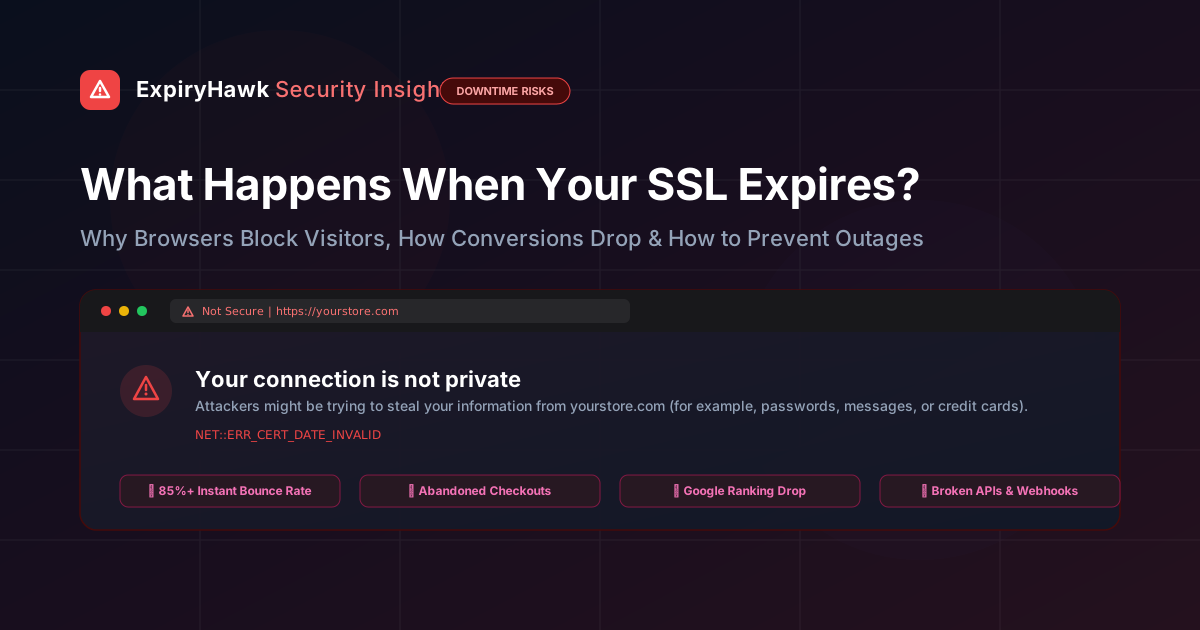
Imagine a prospective customer clicking an ad, finding your store through Google search, or clicking a link from an email newsletter. Instead of your polished homepage or checkout form, their screen fills with a jarring red warning:
"Your connection is not private" NET::ERR_CERT_DATE_INVALID
Would you enter your credit card number or submit personal contact info on that page? Almost nobody does.
An expired SSL/TLS certificate is one of the quickest ways to erode business credibility. Yet every week, high-profile enterprises, government portals, and e-commerce stores drop offline because a certificate expiration slipped through the cracks.
Here is what actually happens when your certificate lapses, why "renewing" alone doesn't always protect you, and the practical playbook to stay online 24/7.
What Actually Breaks Under the Hood?#
An SSL/TLS certificate does two critical jobs: it encrypts transit data and cryptographically verifies your domain's identity through a trusted Certificate Authority (CA).
Every certificate contains strict validity timestamps (NotBefore and NotAfter). The second the system clock passes the expiration timestamp:
- 1The TLS Handshake Aborts: When a browser connects, it compares its local clock to the certificate's validity dates. If expired, the browser refuses to complete the standard TLS session.
- 2HSTS Enforces a Hard Lockout: If your site uses HTTP Strict Transport Security (HSTS)—which is recommended for modern web security—browsers will not allow users to bypass the warning. There is no "Proceed to website (unsafe)" link. The door is slammed shut.
- 3Automated Clients Fail Completely: Mobile apps, cURL scripts, payment webhooks, and backend API consumers don't have a human to click through warning screens. They fail-closed instantly with SSL verification errors.
The 4 Costly Consequences of an Expired Certificate#
| Impact Area | Immediate Symptom | Long-Term Cost |
|---|---|---|
| Customer Trust | Full-screen security warning interstitial | Over 85% of visitors immediately bounce |
| Direct Revenue | Incomplete checkout & broken payment forms | Lost transactions, abandoned carts, wasted ad spend |
| Search Engine SEO | Googlebot logs crawl errors (5xx / SSL failures) | Lower ranking positions and de-indexed landing pages |
| API & Integrations | Webhooks and third-party syncs fail silently | Broken CRM leads, failed ERP syncs, missed notifications |
The Subtle Trap: Why Renewing Isn't Always Enough#
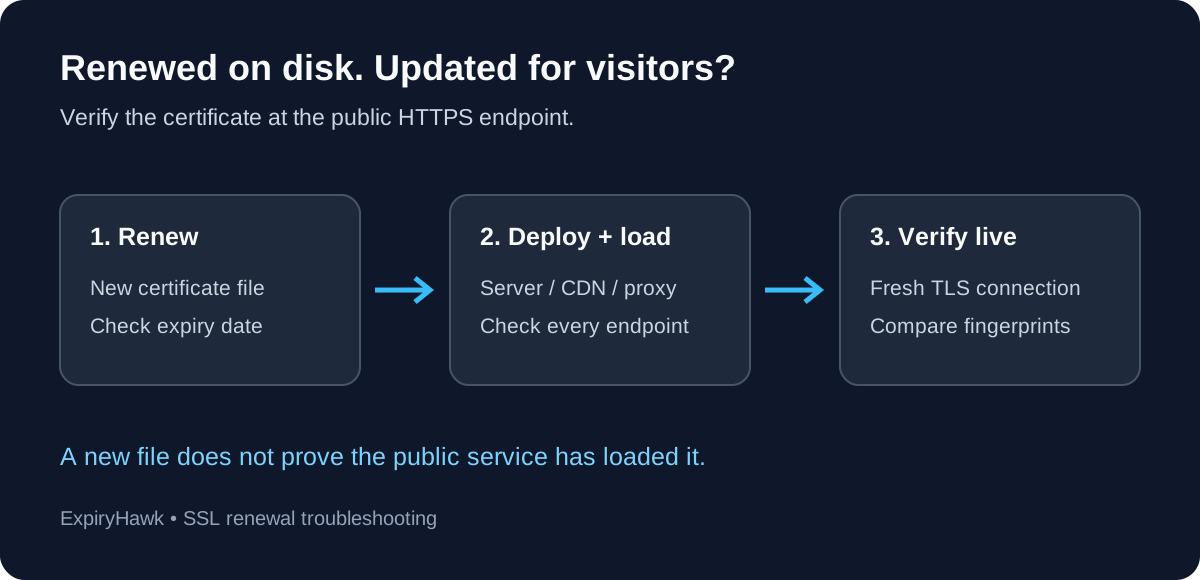
Many teams assume that simply paying a registrar or clicking "Renew" guarantees safety. In reality, post-renewal misconfigurations account for nearly a third of all SSL-related outages:
- Missing Intermediate Certificates: Your root certificate might be valid, but if the web server configuration is missing the intermediate CA bundle (
fullchain.pem), desktop browsers might cache the chain while mobile devices and Safari reject the connection. - Incomplete Web Server Reloads: Automated clients like Certbot may successfully fetch a new certificate from Let's Encrypt, but if Nginx, Apache, or HAProxy was not reloaded via a post-renewal hook, the server continues serving the expired cert cached in memory.
- SNI and Multi-Domain Mismatches: If a certificate renewal omitted a required subdomain (like
api.yourdomain.comorwww.yourdomain.com), visitors accessing that specific host encounter an invalid Common Name (CN) warning.
The 4-Point SSL Prevention Playbook#
Eliminating certificate outages requires a proactive, layered defense:
1. Automate Issuance via ACME#
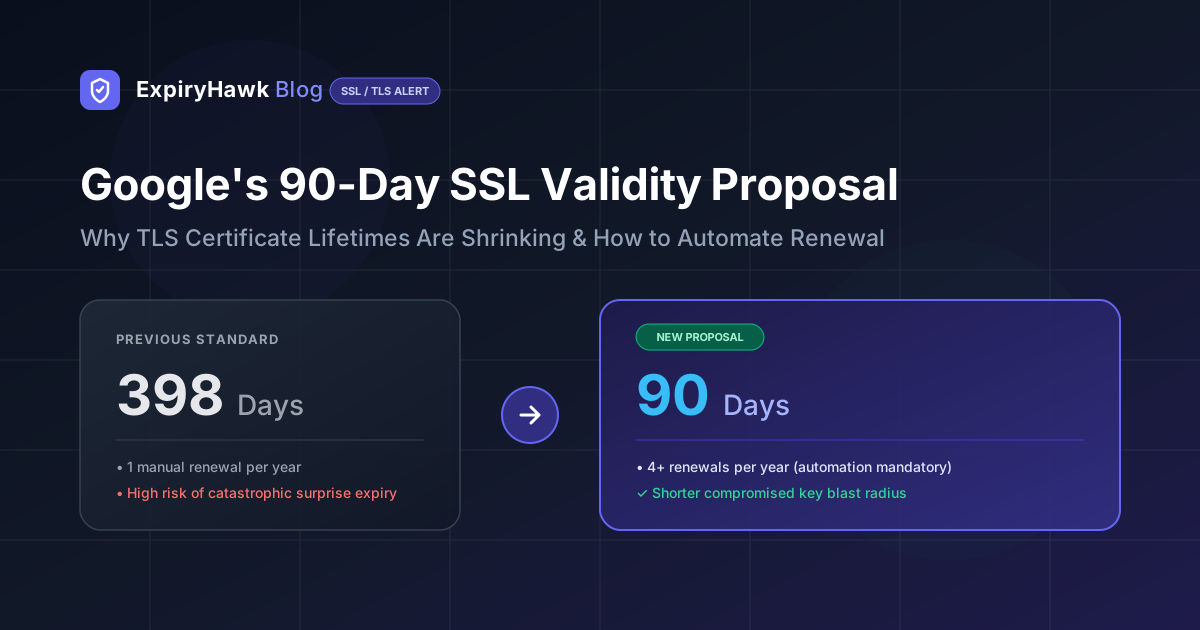
Standardize on automated certificate issuance using ACME protocols (Let's Encrypt, ZeroSSL, or Google Trust Services). Configure automatic renewal attempts at 30 days remaining, giving your team ample buffer if an individual attempt encounters a temporary DNS or rate-limit hiccup.
2. Implement External "Outer-Loop" Monitoring#
Never rely solely on your internal server to monitor itself. If an automated script fails silently or the web server fails to reload the cert from disk, the server won't warn you.
Independent synthetic monitoring—such as ExpiryHawk—simulates real user connections from the public internet, checking:
- Days remaining until expiration
- Full certificate chain and intermediate CA validity
- OCSP revocation and stapling status
- Public port availability (HTTPS, API, and mail ports)
3. Route Alerts to Active Team Channels#
Email alerts often get buried under spam or sent to obsolete inboxes when staff change roles. Route automated warnings directly to real-time developer workflows—such as Telegram alerts or Slack/Discord webhooks—at 30, 14, and 1 day milestones before expiration.
4. Verify Endpoints After Every Deployment#
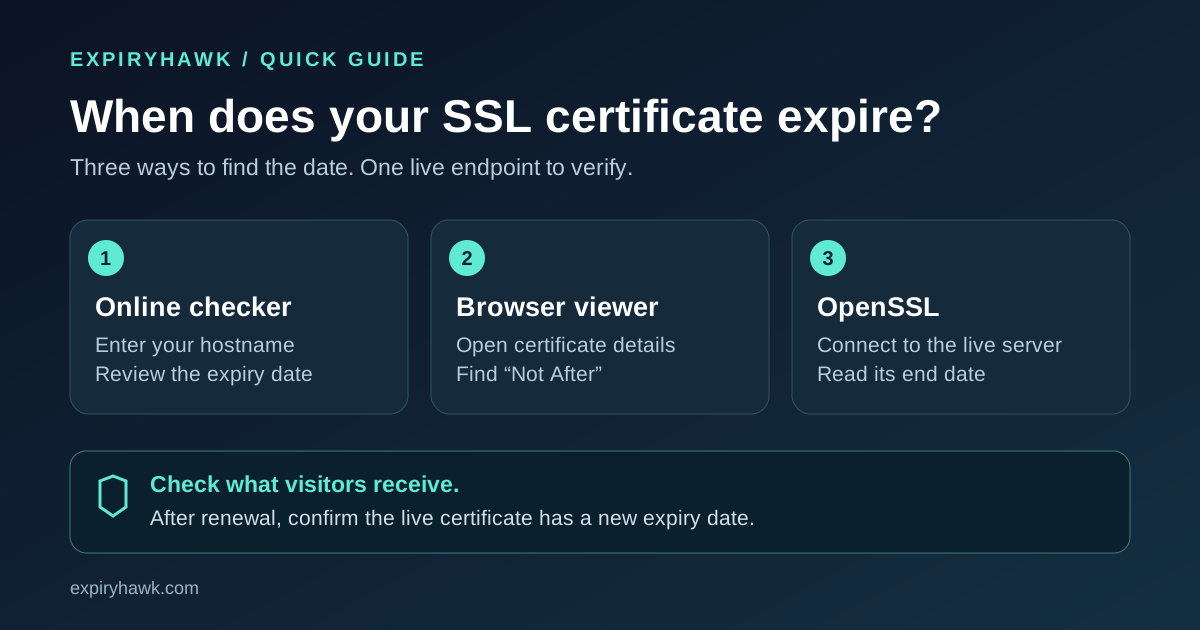
After every renewal or infrastructure migration, use an external checker to confirm that your public endpoints are serving the updated certificate with correct TLS 1.3 ciphers and full chain integrity.
Keep Your Website Secure & Accessible#
SSL expiration is completely preventable. With automated ACME issuance and independent outer-loop monitoring, you can protect customer trust and ensure zero surprise downtime.
Ready to protect your domains from unexpected expirations? Create a free ExpiryHawk account to monitor up to 20 domains with automated checks and instant Telegram, Webhook, and Email alerts. Or run an instant check right now with our free SSL Checker Tool.