To check SMTP or IMAP certificate expiry, connect to the mail server with OpenSSL using its configured port and TLS mode, then read the certificate’s notAfter date. Use -starttls smtp or -starttls imap for an upgrade connection; omit -starttls for implicit TLS. Checking your website’s certificate does not verify the certificate used by email clients.
1. Identify the Mail Hostname and TLS Mode#
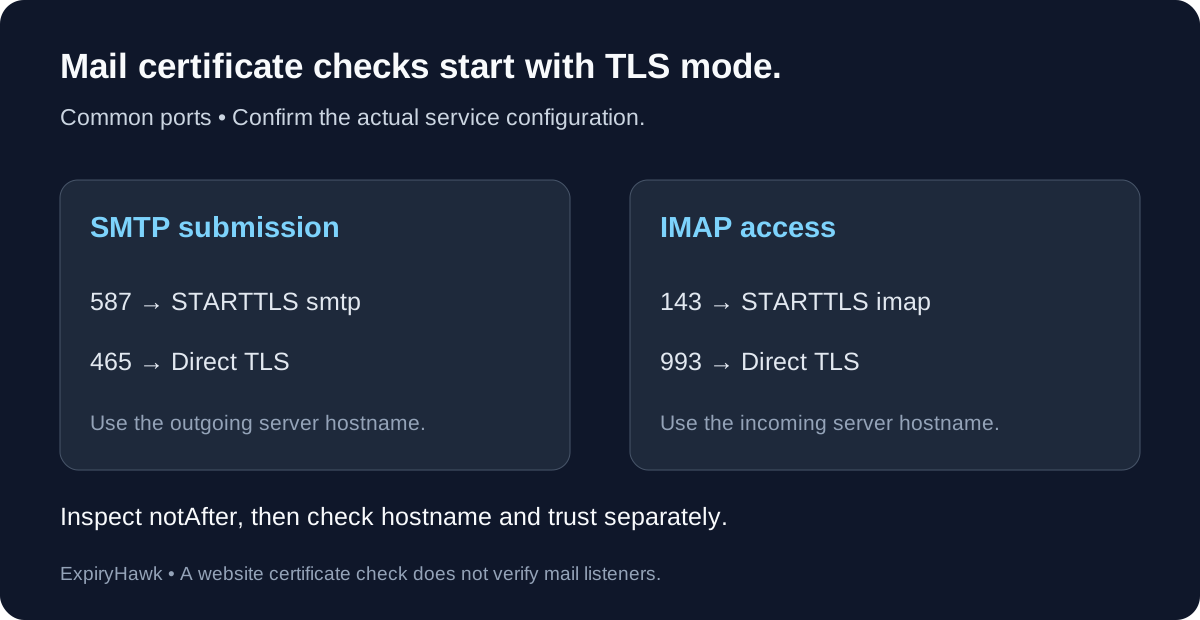
Use the server hostname configured in your email client or mail service documentation. The domain after the @ in an email address is not necessarily the connection hostname. Incoming IMAP and outgoing SMTP may also use different hosts.
Common configurations are:
| Service | Port | OpenSSL TLS mode |
|---|---|---|
| SMTP submission | 587 | -starttls smtp |
| SMTP submission with implicit TLS | 465 | Direct TLS |
| IMAP with STARTTLS | 143 | -starttls imap |
| IMAP with implicit TLS | 993 | Direct TLS |
Confirm your provider’s settings rather than assuming the port guarantees the mode. RFC 8314 describes implicit TLS for mail submission and access. Port 25 is generally used for SMTP server-to-server transport; it is a separate endpoint if you also need to inspect it.
2. Check SMTP Submission#
For STARTTLS on port 587:
openssl s_client -connect smtp.example.com:587 \
  -servername smtp.example.com -starttls smtp </dev/null \
  | openssl x509 -noout -dates -issuer
For implicit TLS on port 465:
openssl s_client -connect smtp.example.com:465 \
  -servername smtp.example.com </dev/null \
  | openssl x509 -noout -dates -issuer
Replace the example hostname. These commands negotiate TLS and inspect a certificate; they do not authenticate to a mailbox or send an email.
3. Check IMAP Access#
For implicit TLS on port 993:
openssl s_client -connect imap.example.com:993 \
  -servername imap.example.com </dev/null \
  | openssl x509 -noout -dates -issuer
For an IMAP listener using STARTTLS on port 143, change the destination to imap.example.com:143 and add -starttls imap before the input redirection.
OpenSSL’s s_client manual documents these protocol-specific upgrades. If a command hangs or returns no certificate, inspect the diagnostics and confirm the listener’s TLS mode. A failed connection is not a successful expiry check.
4. Read the Dates and Verify More Than Expiry#
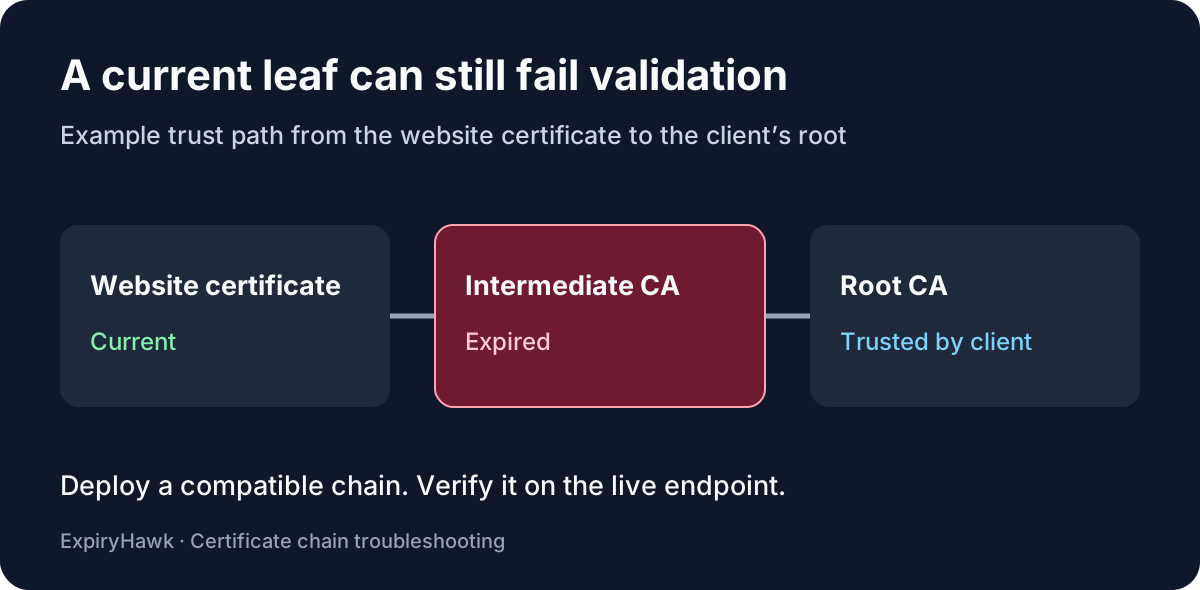
notBefore marks the start of validity; notAfter marks expiry. OpenSSL commonly displays these dates in GMT. A future expiry date alone does not establish hostname coverage or chain trust.
For a separate validation attempt, add -verify_hostname smtp.example.com -verify_return_error to the appropriate SMTP command, using the actual expected hostname. Keep the matching STARTTLS option when required. Validation depends on your machine’s trust store; private mail services may require an explicitly configured private CA.
Retest Every Mail Listener After Renewal#
Record each hostname, port, TLS mode, and expiry date. SMTP and IMAP services may load separate certificate files, so verify both after deployment. Include every relevant server when traffic is distributed across multiple nodes.
For nonstandard listeners, see How to Check an SSL Certificate on a Custom Port. Keep mail endpoints alongside website certificates in your maintenance inventory, and explore ExpiryHawk for your certificate-monitoring workflow.